Surveillance cameras have become an essential part of security and monitoring systems, and surveillance cameras are a must in our homes and workplaces. Surveillance cameras are also considered a key and essential component in the smart home. They are no longer considered luxury as once, especially if you rely on surveillance cameras to ensure your property’s and people’s safety.
Like any other system or device, surveillance cameras require maintenance and repair. In this article, we will review the recommendations for maintaining and caring for surveillance camera systems and the system as a whole to ensure optimal performance and effective use.


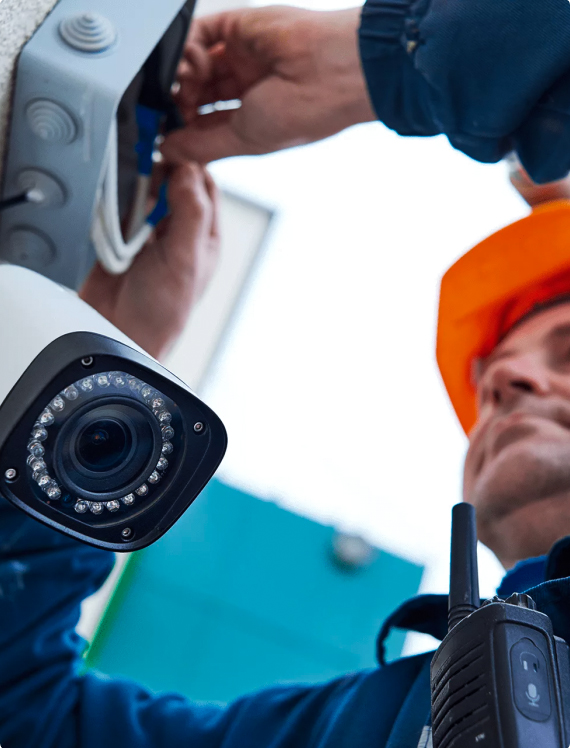

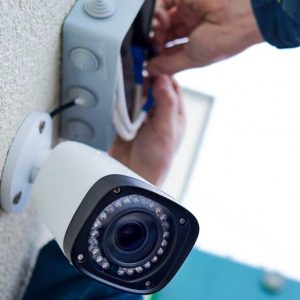
1- Periodic Cleaning of Cameras:
Dust and dirt can significantly affect image quality. Therefore, surveillance cameras must be continuously maintained and repaired by regularly cleaning the lenses and camera housings using dedicated cleaning tools and fluids. (Avoid using water or non-specialized chemicals that can damage the lenses.)
2- Checking Electrical Connections and Networks:
It is necessary to periodically ensure the safety of the electrical cables and connections for the surveillance cameras. Check them regularly to ensure there is no damage or cuts.
3- Updating Cameras and the System:
It is necessary to ensure that surveillance camera programs are regularly updated. Camera manufacturers release periodic updates for the cameras and their management systems, which help improve the cameras’ performance and close security gaps.
4- Securing the Cameras:
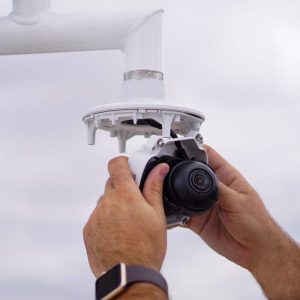
To protect the cameras from theft or intentional damage. You may need to install them in hard-to-reach areas or use dedicated locks or enclosures.
5- Image Quality Inspection:
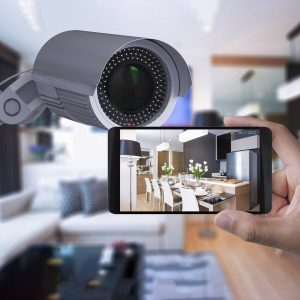
Image quality should be periodically checked to ensure that the images are clear and there are no display issues per camera. If you notice any problems, check the camera and settings or replace the camera if necessary.
6- Backup the Recordings:
If required, or in some companies and institutions, it is their policy to retain the recordings for long periods as determined by each company based on need. Periodic backups of the recordings must be made. This ensures that you keep the recordings in case of a system failure.

7- Documenting Camera Status:
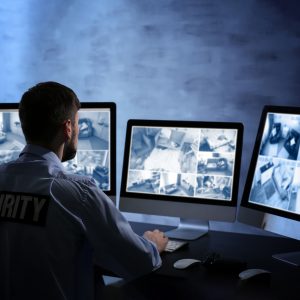
Some companies and government agencies require documentation of all maintenance of Surveillance Cameras and backup operations performed and having the person who performed the maintenance sign off on it.
At the end of the article, we reviewed the key points necessary for maintaining surveillance cameras, the steps required to repair surveillance cameras, and the necessary steps to keep the surveillance camera system strong and effective.
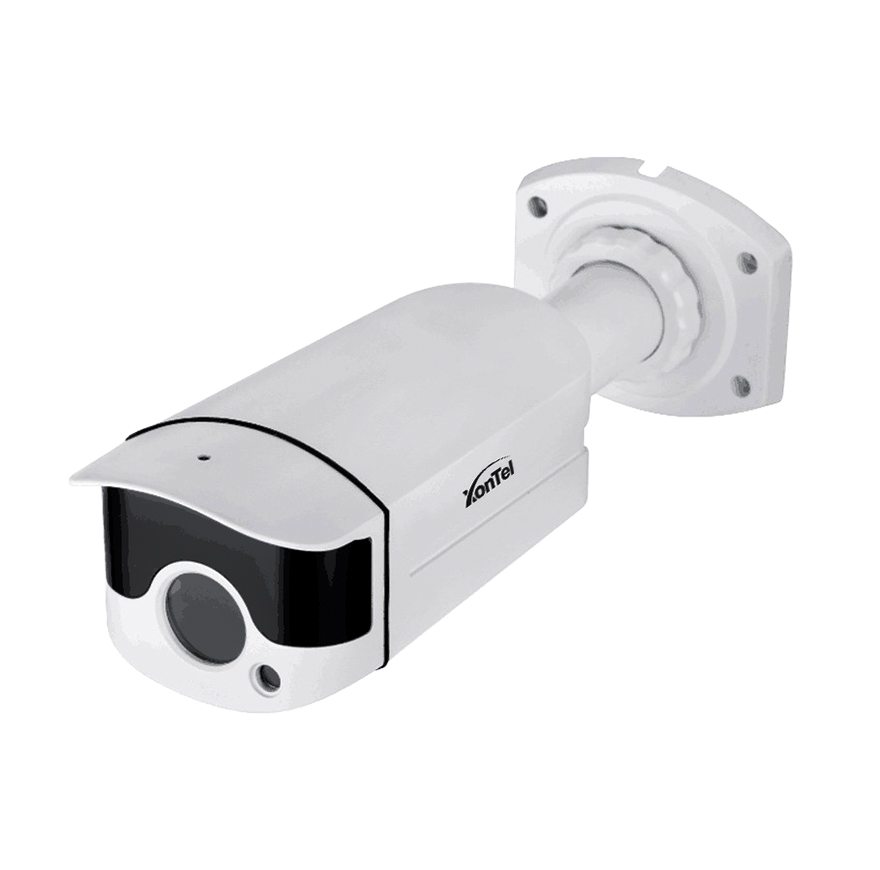
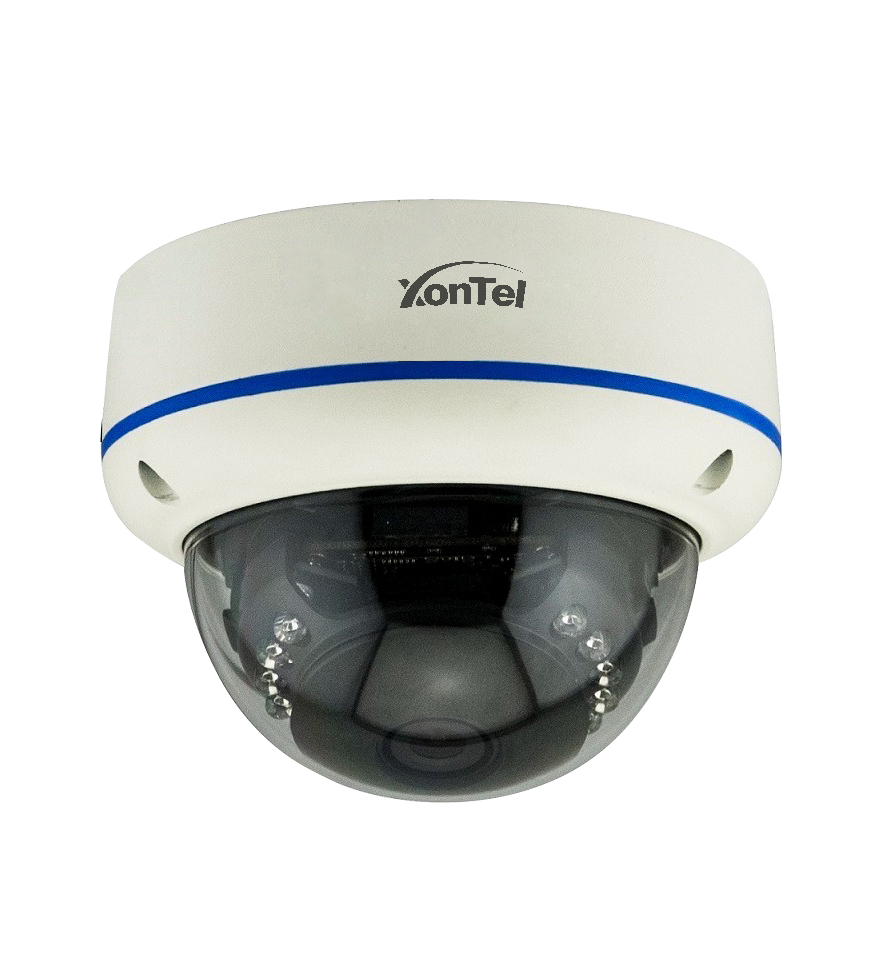
To learn more about XonTel cameras, click here.
Frequently Asked Questions (FAQ)
Why is surveillance camera maintenance necessary?
Regular surveillance camera maintenance helps maintain image clarity, recording stability, and connection integrity, and reduces the chances of the system suddenly failing. Preventive maintenance also helps detect minor faults before they turn into bigger, costlier problems.
How often should surveillance cameras be maintained?
The maintenance schedule depends on where the cameras are installed and the operating conditions. It’s best to do a visual inspection and simple cleaning every month or few months, along with a comprehensive maintenance check on the surveillance system once or twice a year, especially for businesses and outdoor locations.
What are the most important steps for surveillance camera maintenance?
The key maintenance steps include cleaning the lenses and covers, checking cables and connections, verifying image quality and night vision, reviewing recordings and storage capacity, updating camera and recorder software, and confirming the correct date, time, and system settings.
What causes a surveillance camera image to appear blurry or unclear?
A blurry image can result from dust buildup, moisture inside the housing, a shifted lens, poor lighting, or an issue with the cable or power source. It could also be due to low recording resolution or incorrect focus and image quality settings.
What should I do if a surveillance camera stops working?
Start by checking the power source, cables, and network ports, then restart the camera and the recording device. After that, check the network settings and the camera’s status within the surveillance system. If the problem persists, the camera, power unit, or cable may need repair or replacement.
How do I know if a DVR or NVR recording device needs maintenance?
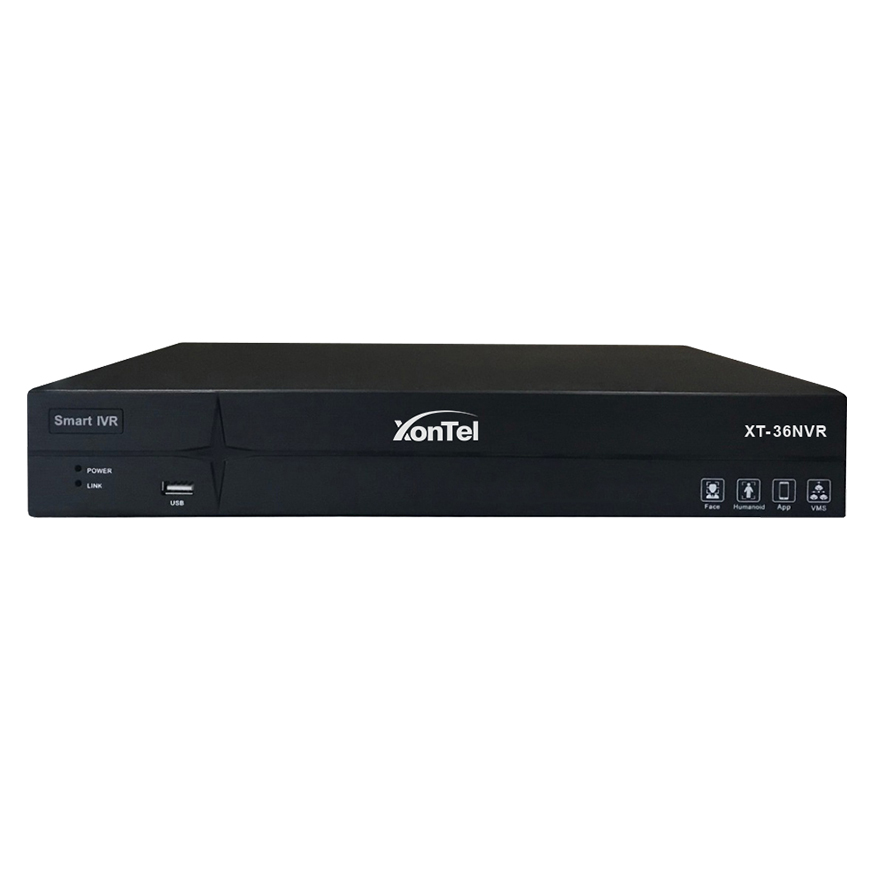
Signs of a problem with the recording device include video no longer being saved, unusual noises from the hard drive, slow playback of recordings, the device restarting on its own, or error messages appearing. The device, hard drive, cooling, and connections should be checked when any of these signs appear.
Do surveillance cameras need software updates?
Yes, firmware updates help improve performance, fix bugs, and close security vulnerabilities. Updates should be downloaded from the manufacturer or an authorized supplier, making sure the version is compatible with the camera or recorder model before installing it.
When should surveillance cameras be repaired, and when should they be replaced?
Repairing surveillance cameras is suitable when there’s a minor fault in the connections, power source, or settings. Replacement may be better when the image sensor is damaged, faults keep recurring, resolution is inadequate for the location’s needs, or security update support has ended.